

Film Inspired Lightroom Presets: Sunlit Memories & Moonlit Reflections

I made two Lightroom preset packs, Sunlit Memories and Moonlit Reflections, and they’re finally here!
If you’re new to presets: they’re saved editing settings for Lightroom. One click adjusts exposure, contrast, color, and grain, and then you fine-tune from there. A good preset doesn’t finish the edit for you. It gets you to a solid starting point fast, so you spend less time on sliders and more time shooting.
Why I made them
I shoot film, and most of what I love about it is the color: warm highlights, shadows that don’t go muddy, contrast that feels soft instead of crunchy. These presets are my attempt to bring that look to digital photos, so my digital work sits comfortably next to my film scans.
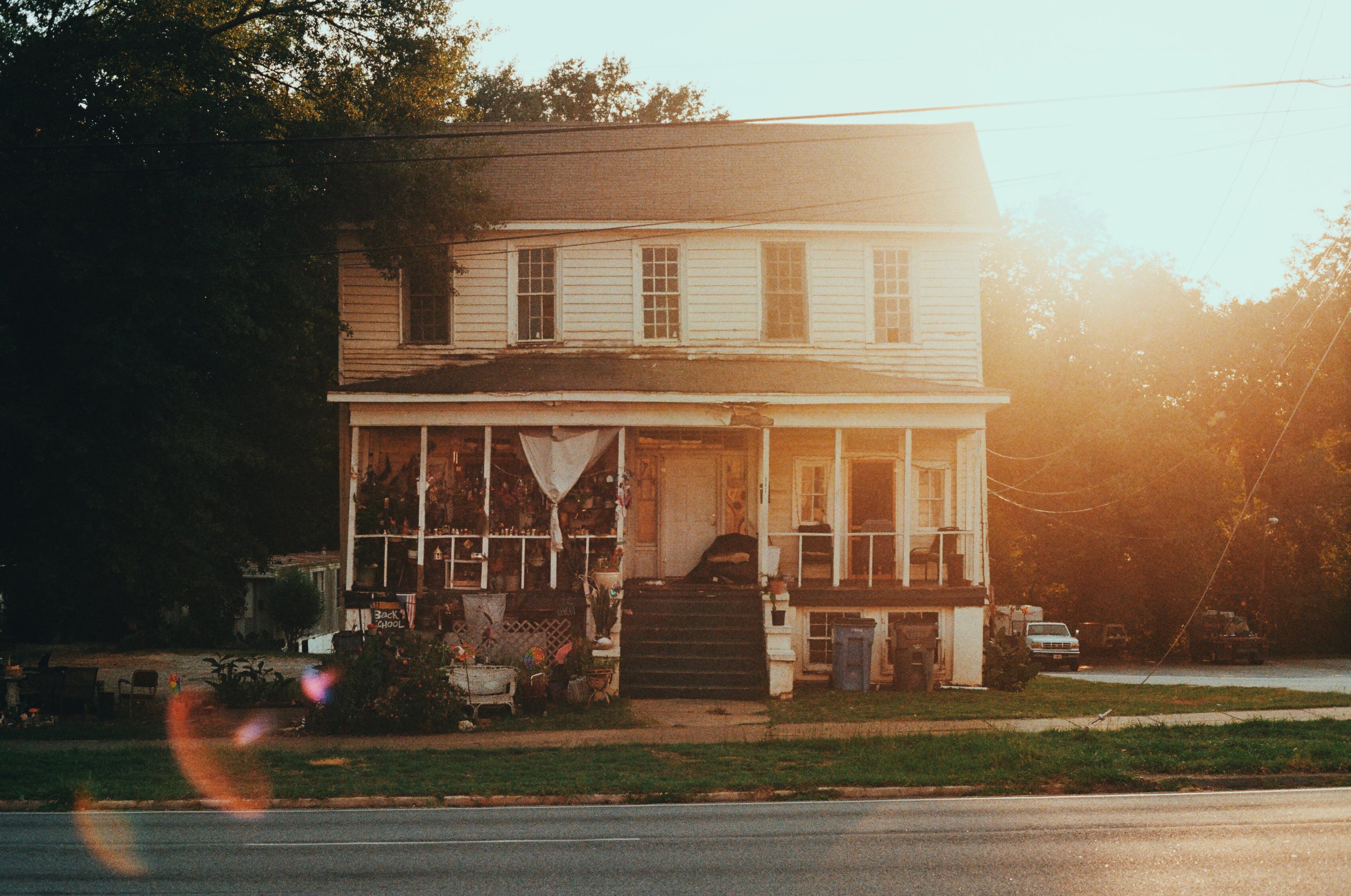
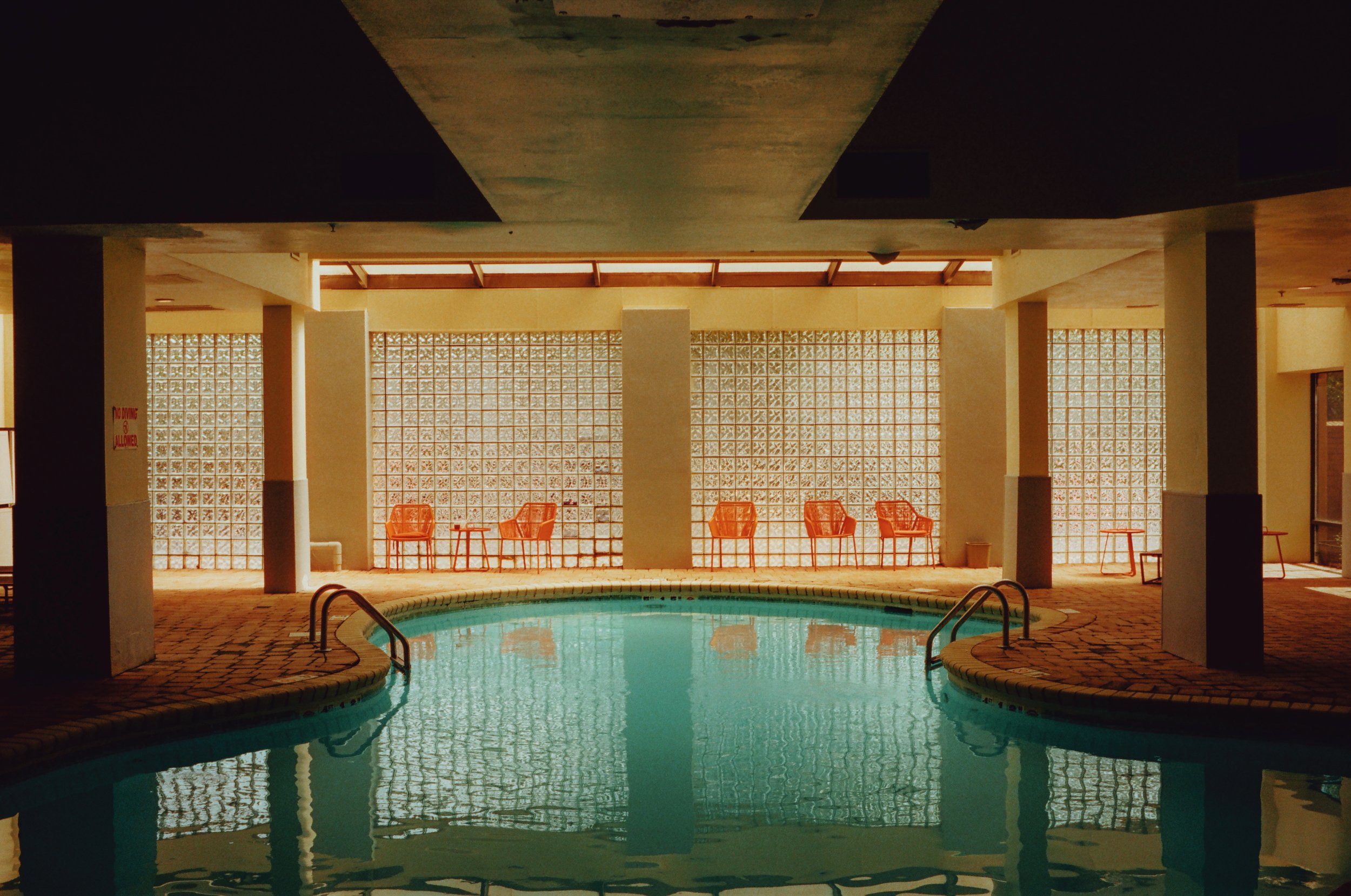
Sunlit Memories
Warm and soft, made for daylight. It looks best on golden hour, portraits, summer days, and anything you want to feel a little nostalgic.
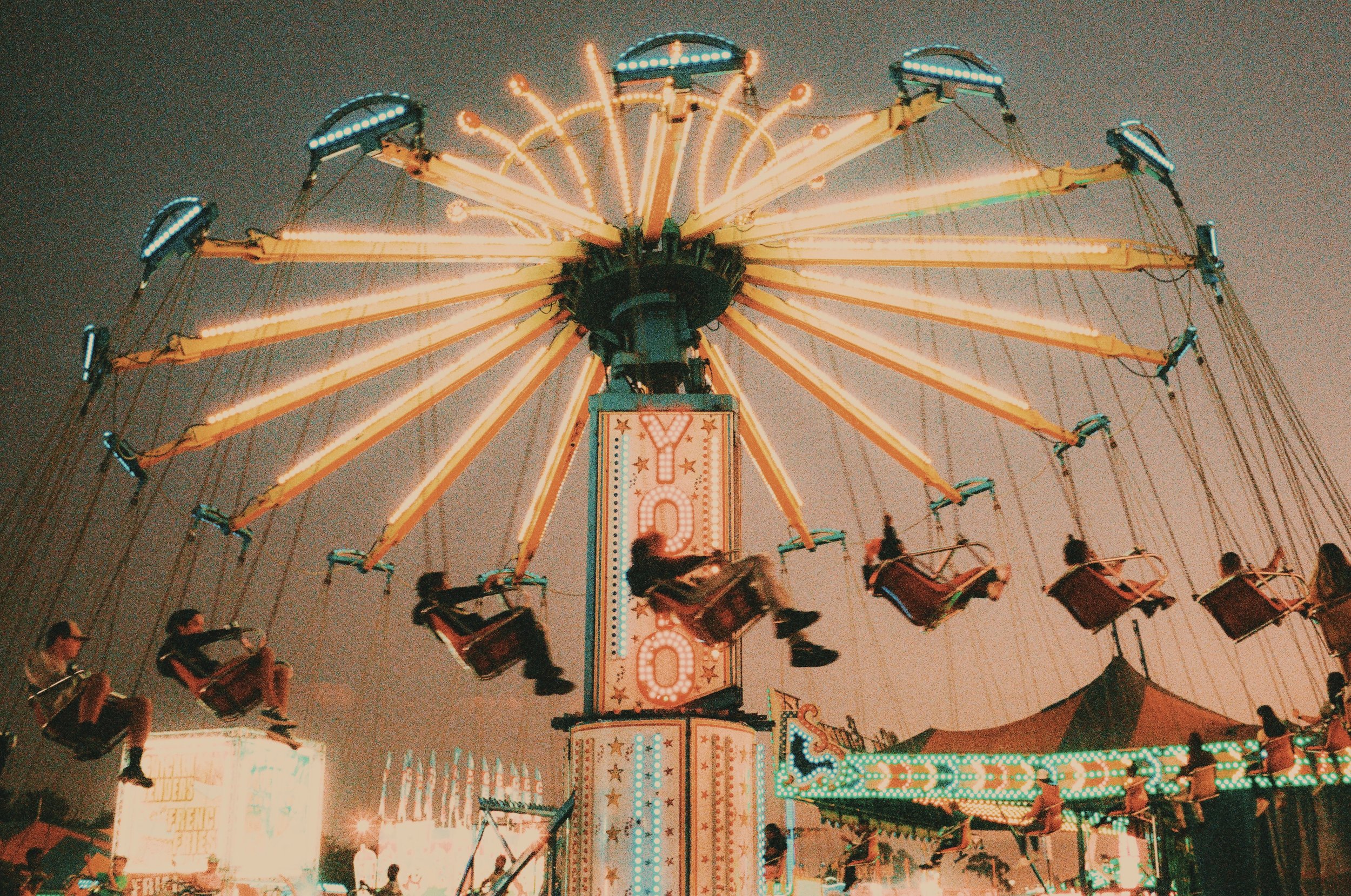
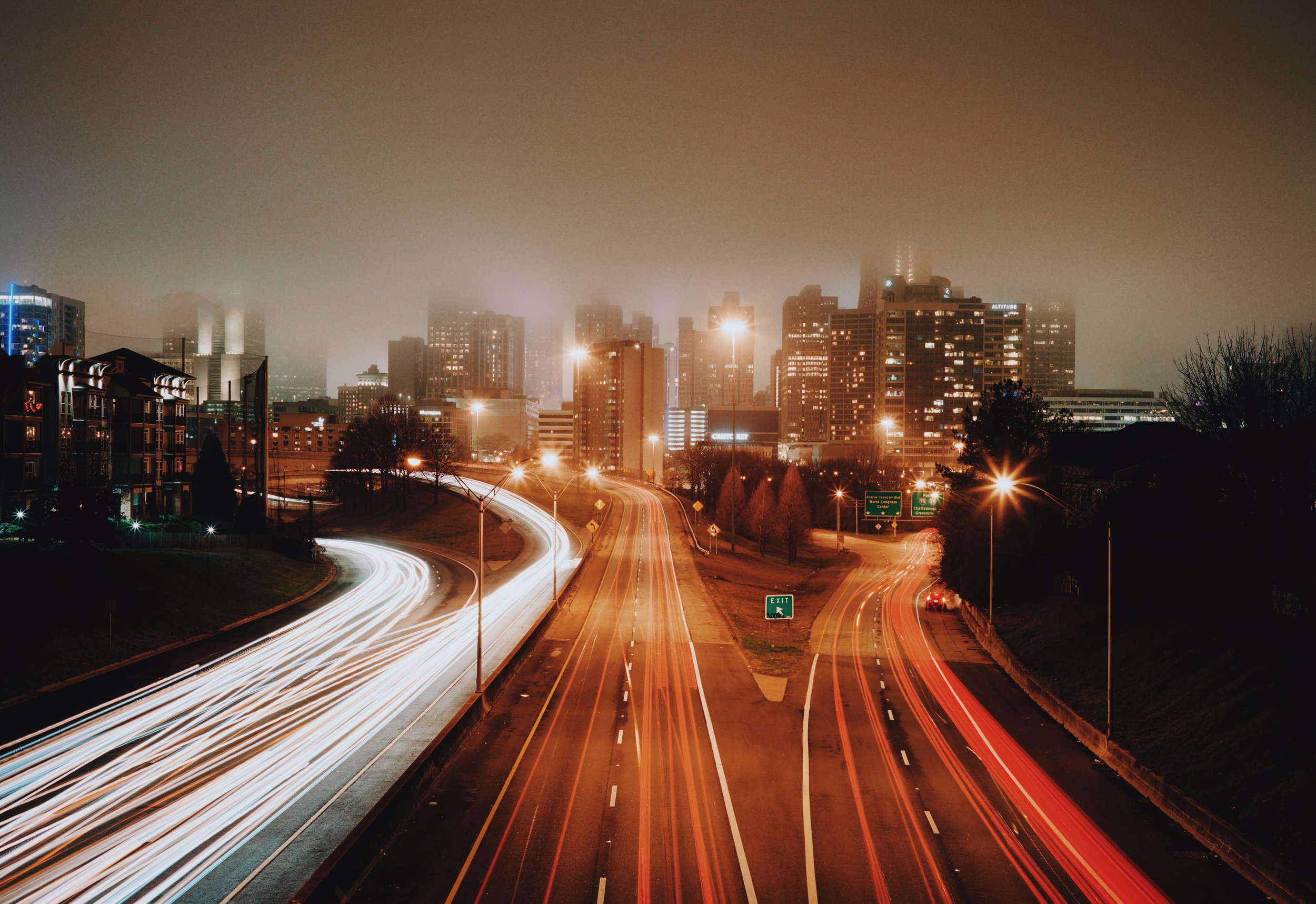
Moonlit Reflections
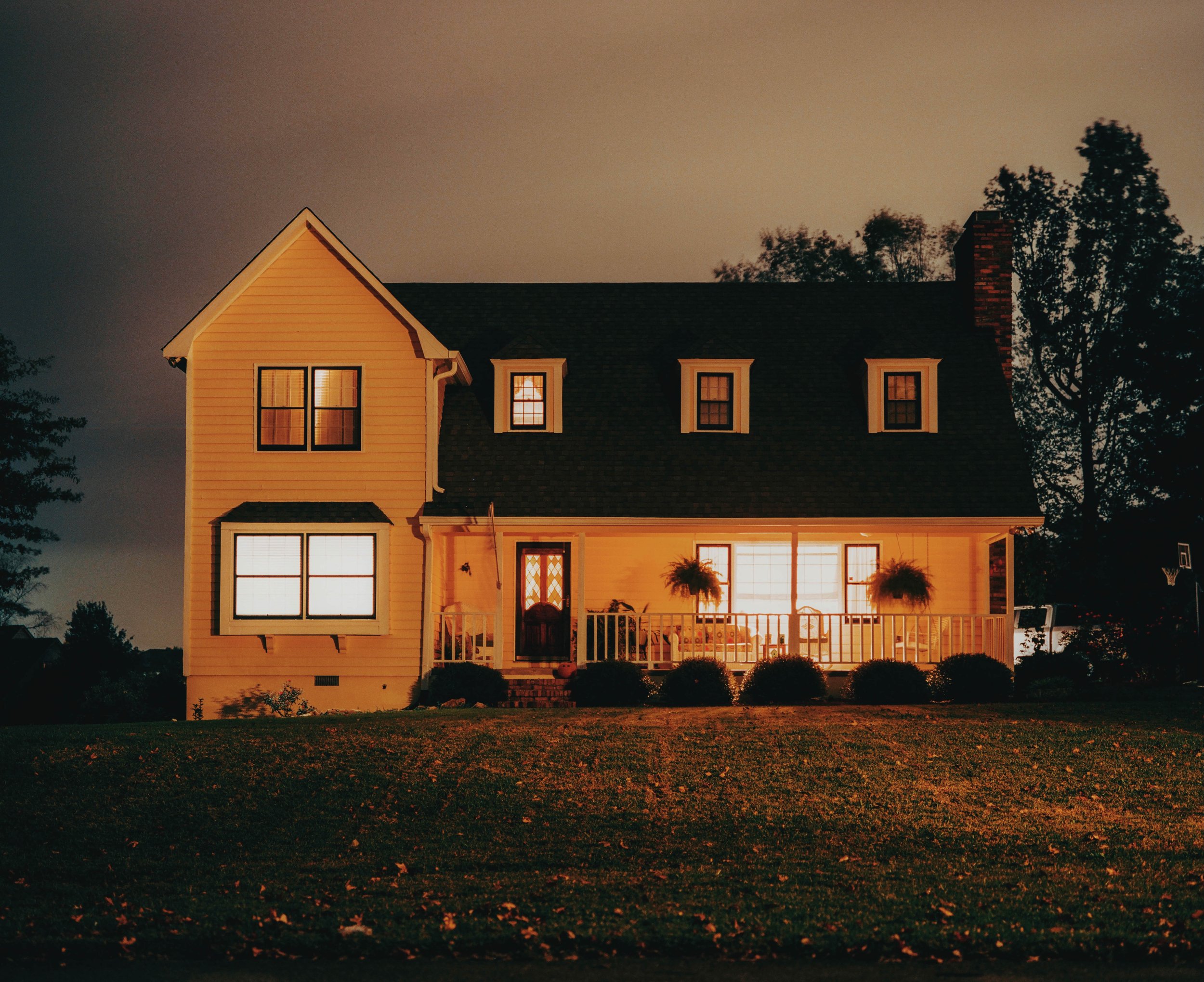
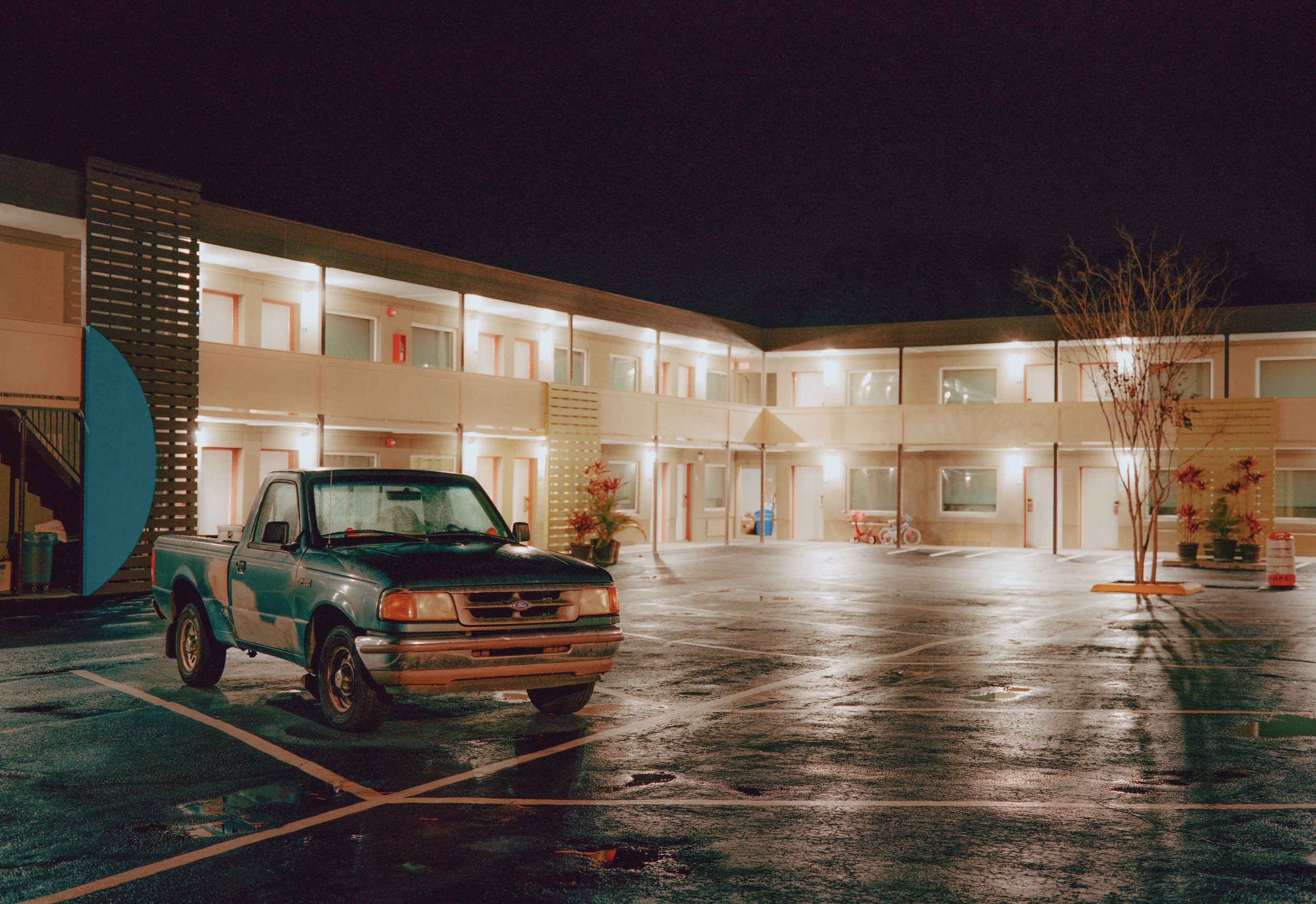
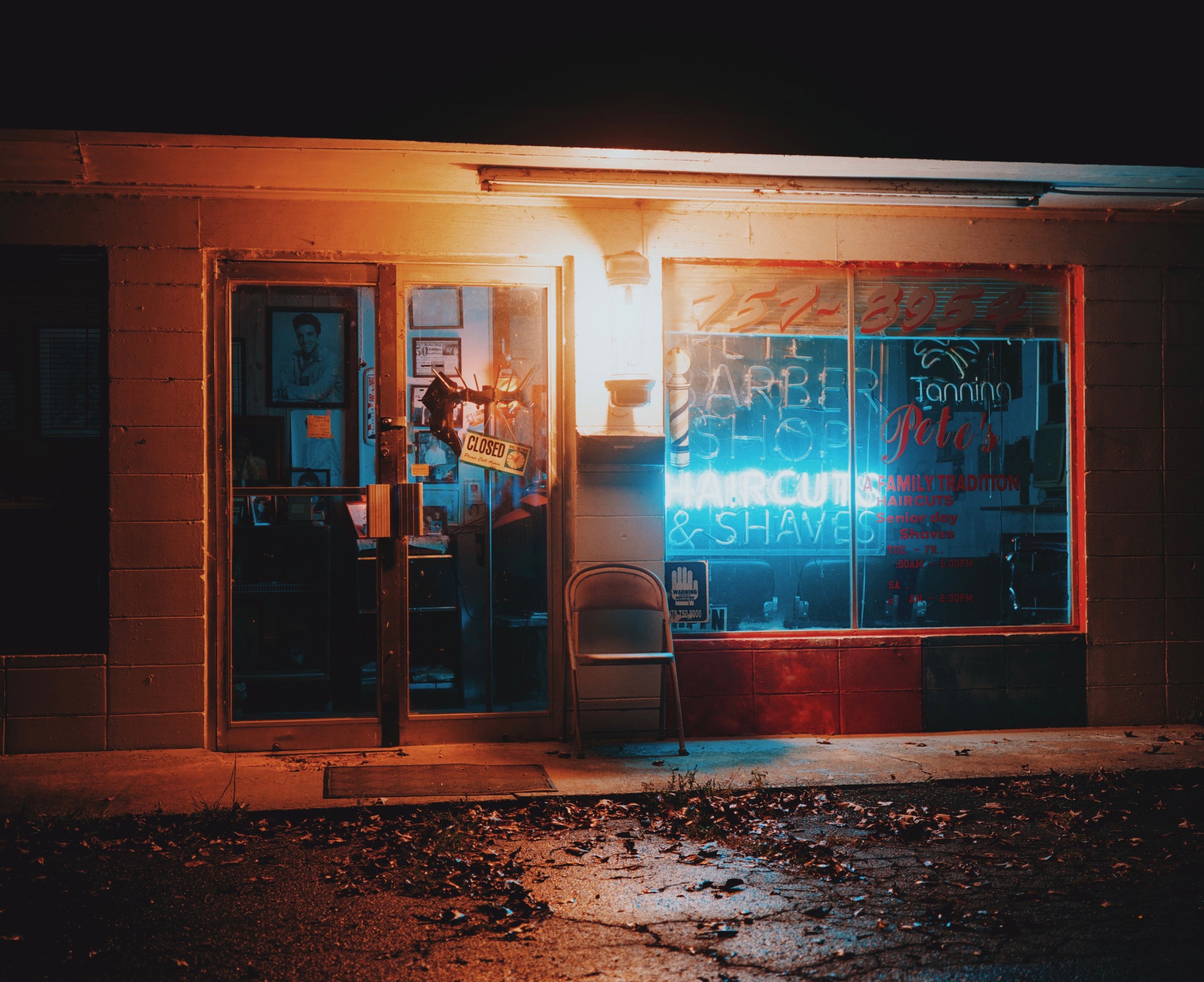
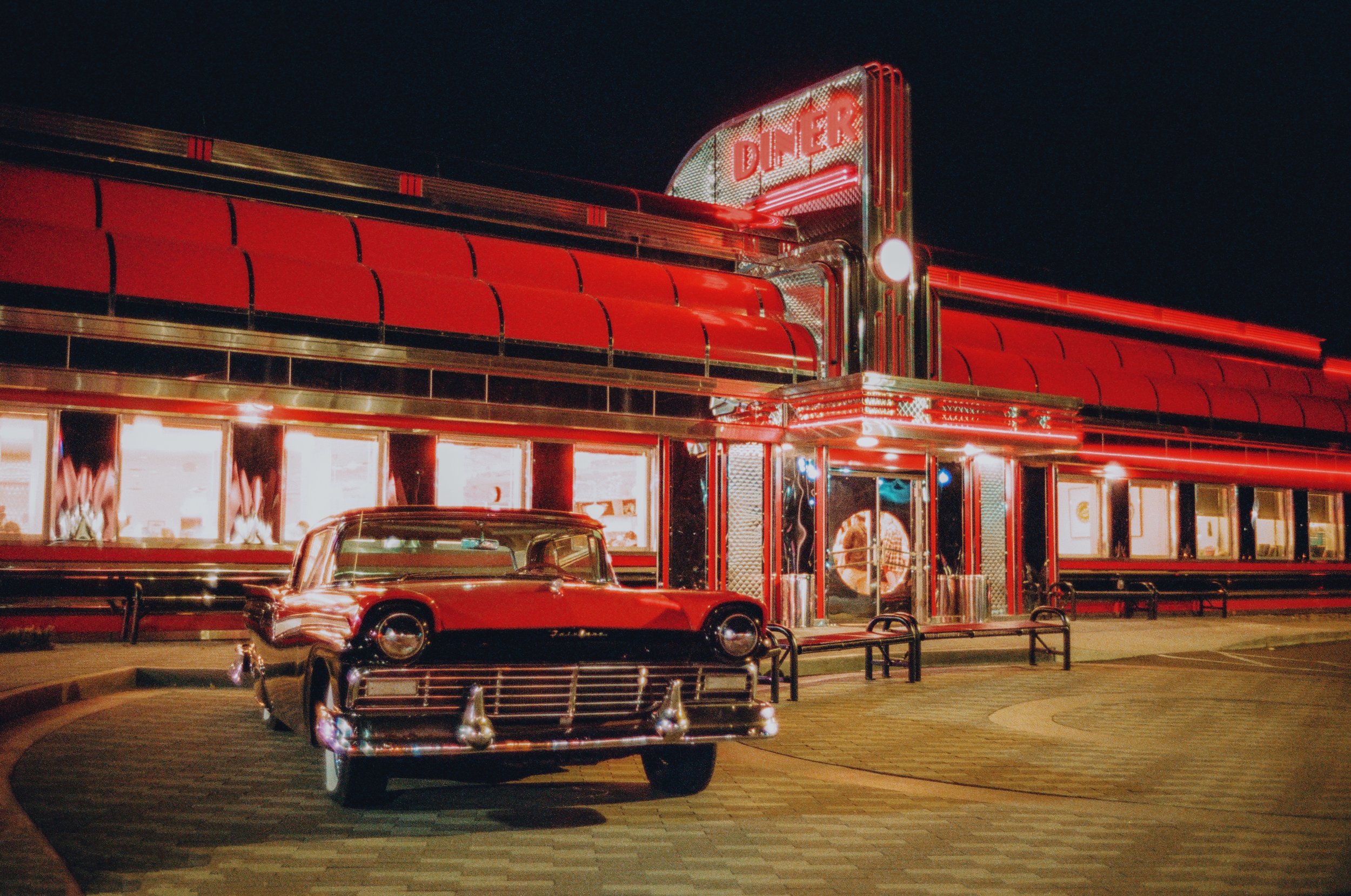
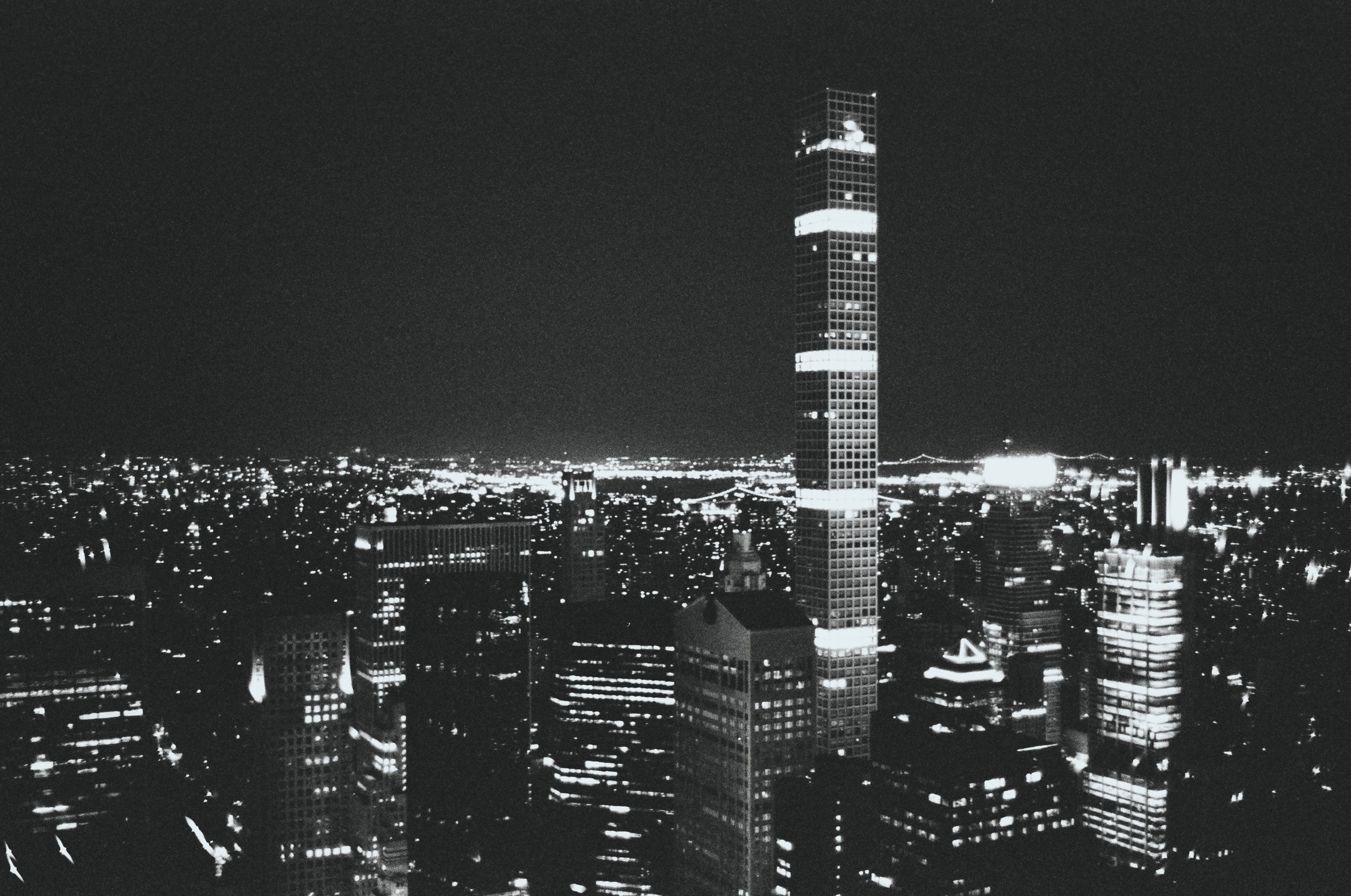
Moodier and made for night. It looks best on neon signs, city lights, headlights, and low-light scenes where you want a cinematic feel.
Common questions
Do they work on Lightroom Mobile? Yes. Both packs work in Lightroom Classic (version 8 and up), Lightroom, Lightroom Mobile, and Photoshop through Camera Raw.
RAW or JPEG? Both. They work best on RAW files, since there’s more data to work with, but they’ll work on JPEGs too.
Will one click make my photo look finished? Usually close, not all the way. Every photo is lit differently, so expect to adjust exposure and white balance after you apply one.
What’s in each pack? 10 presets, an install guide, and free updates.
If you use them, send me what you make. I’d love to see it.
Happy shooting, and even happier editing!
Best, Kelsey
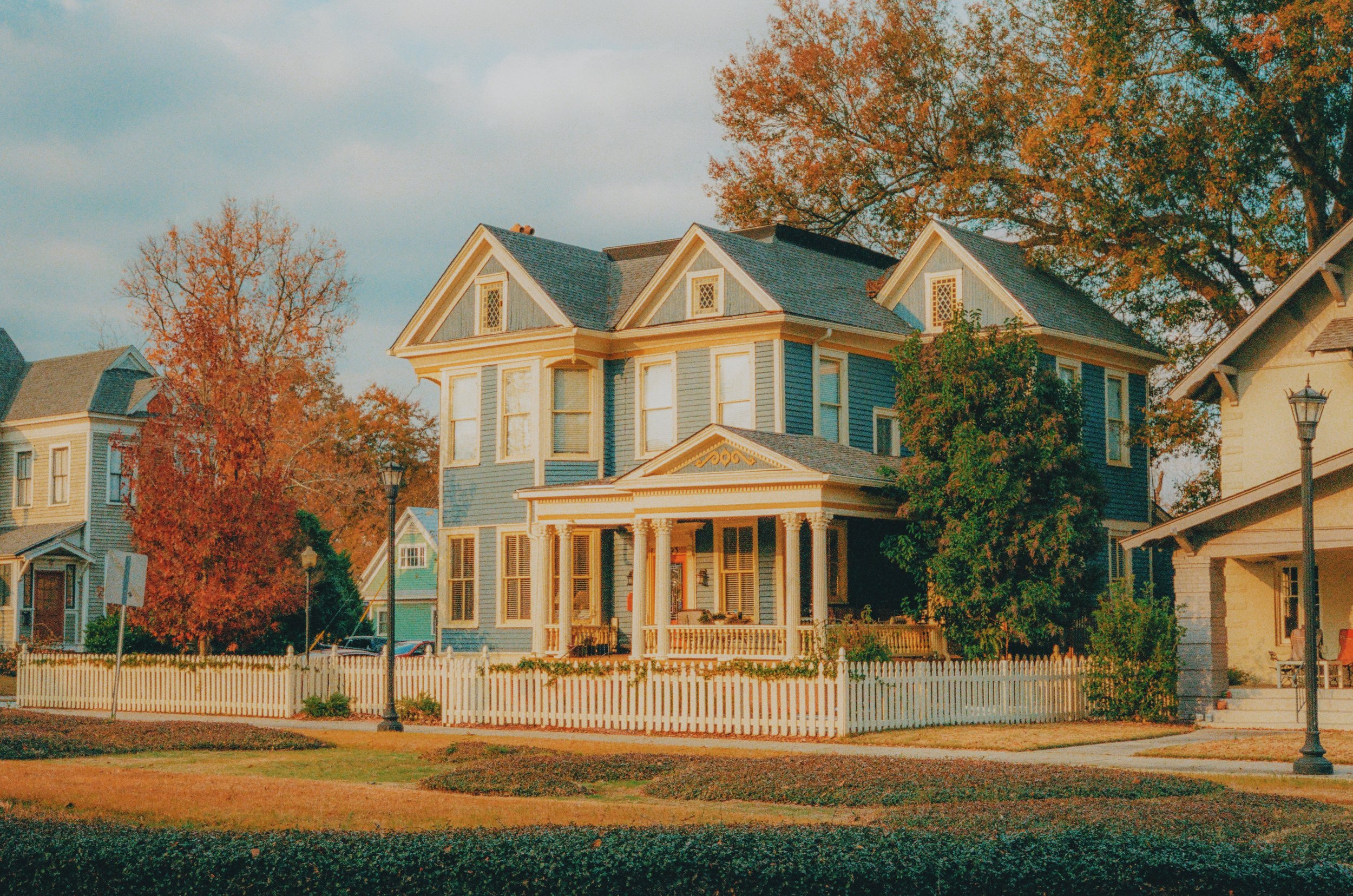
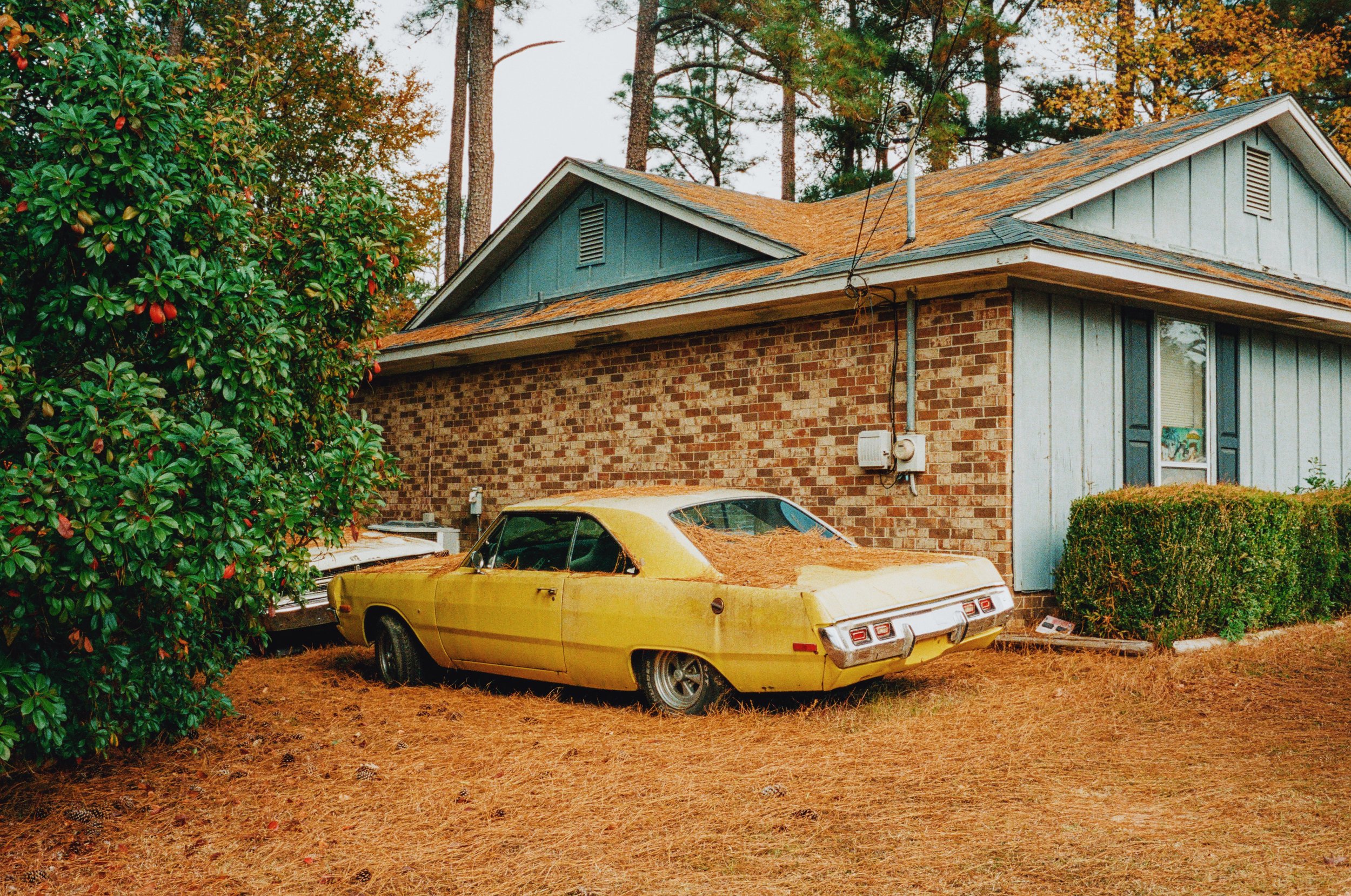
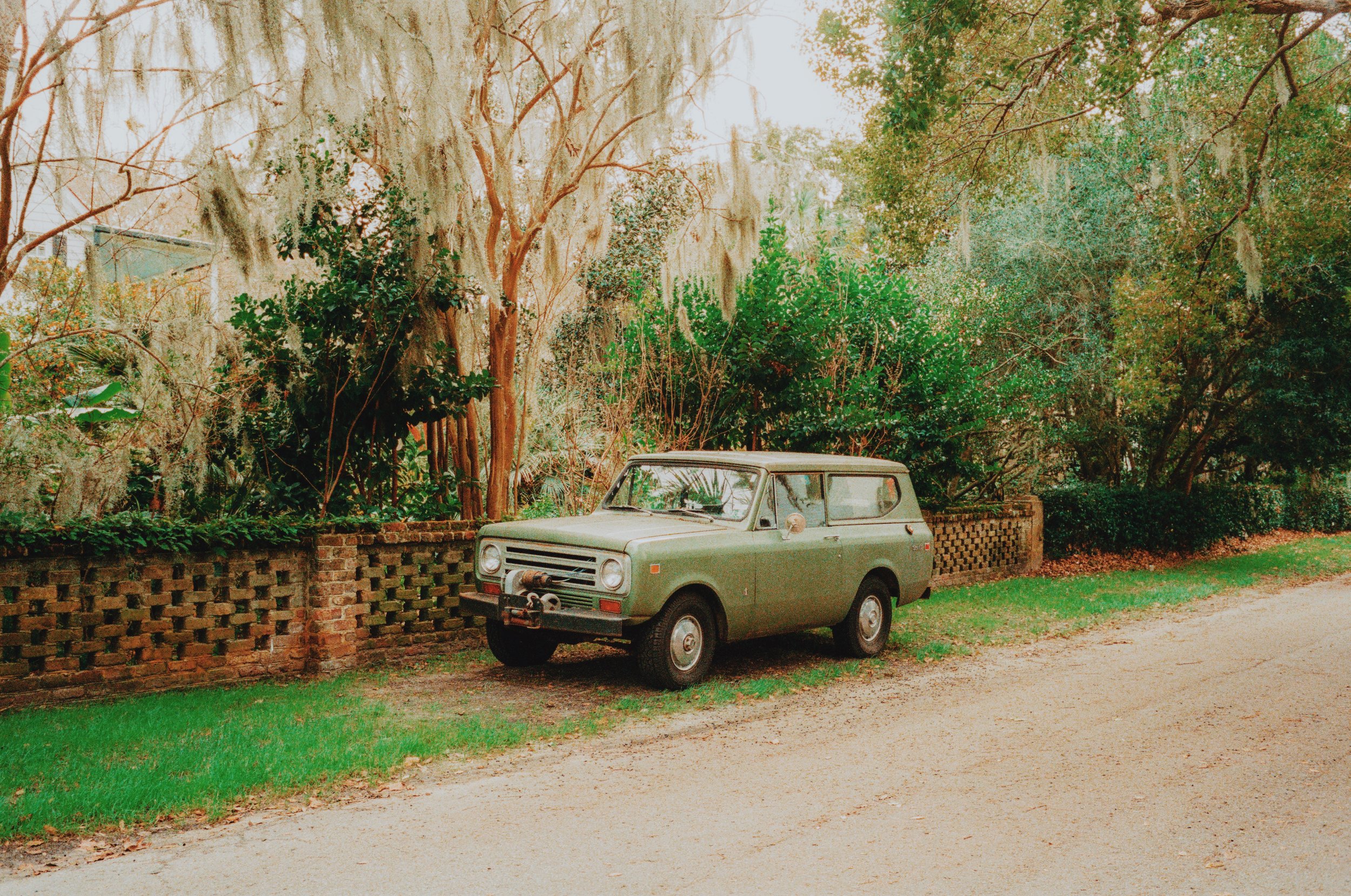
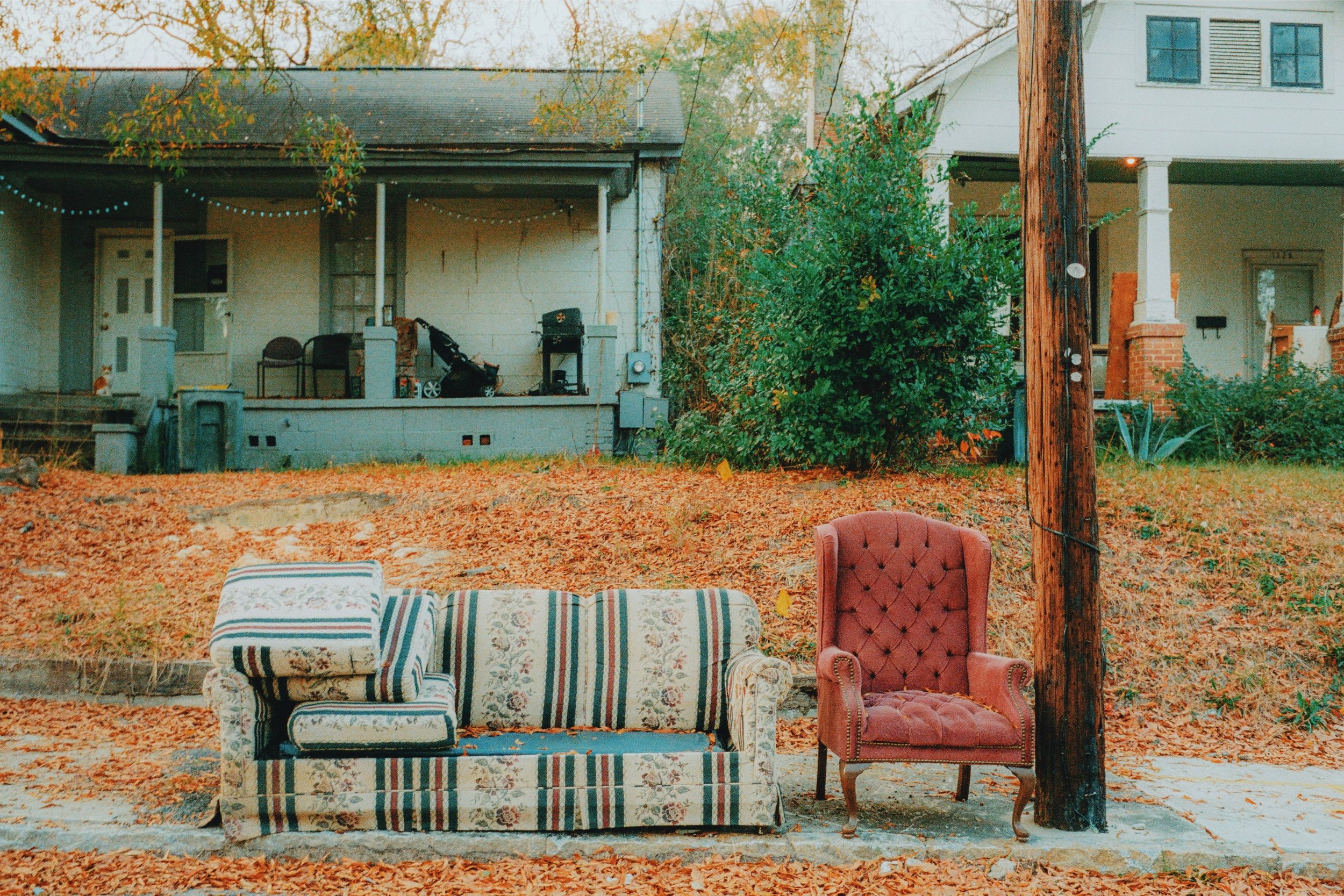
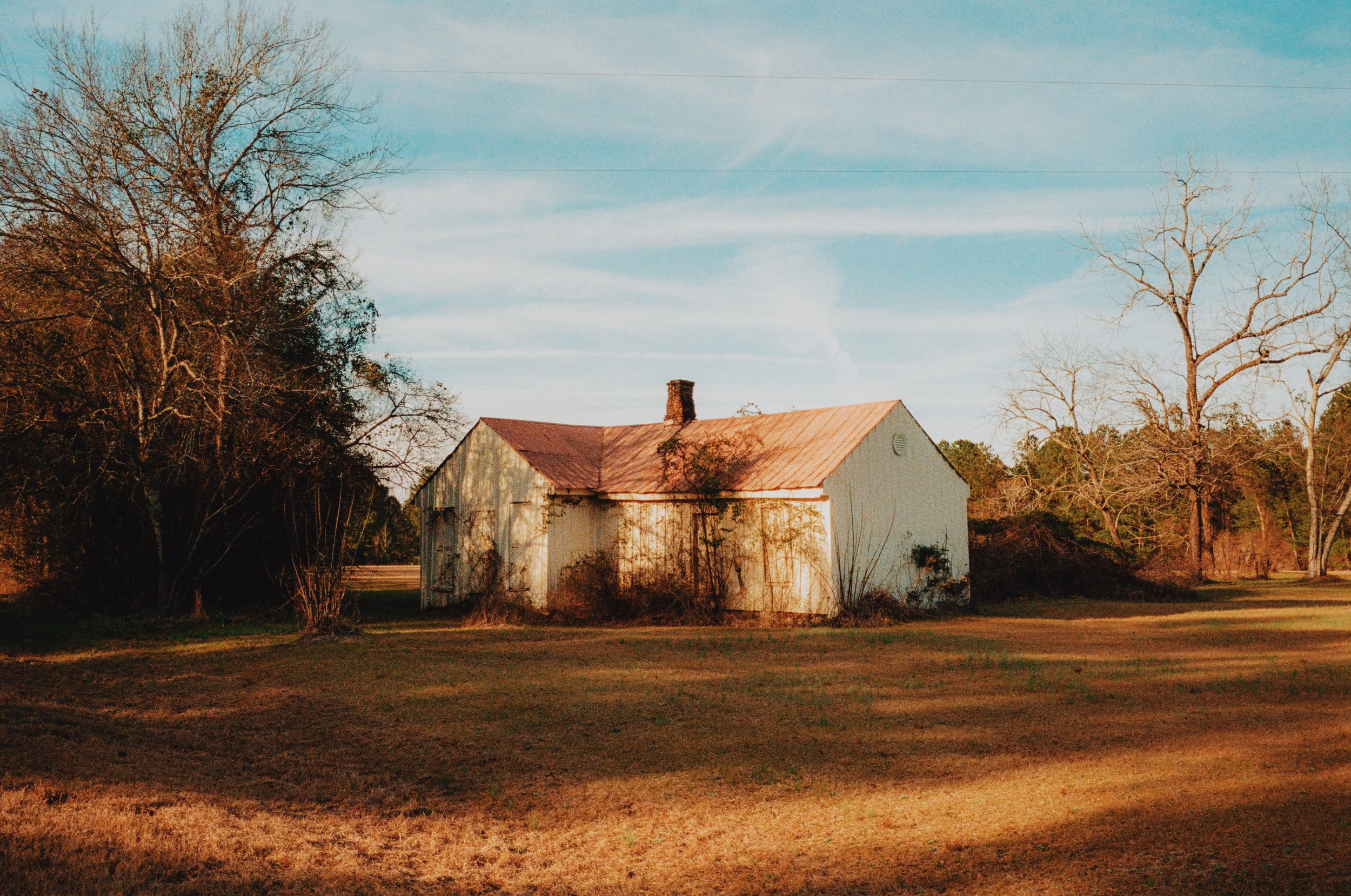
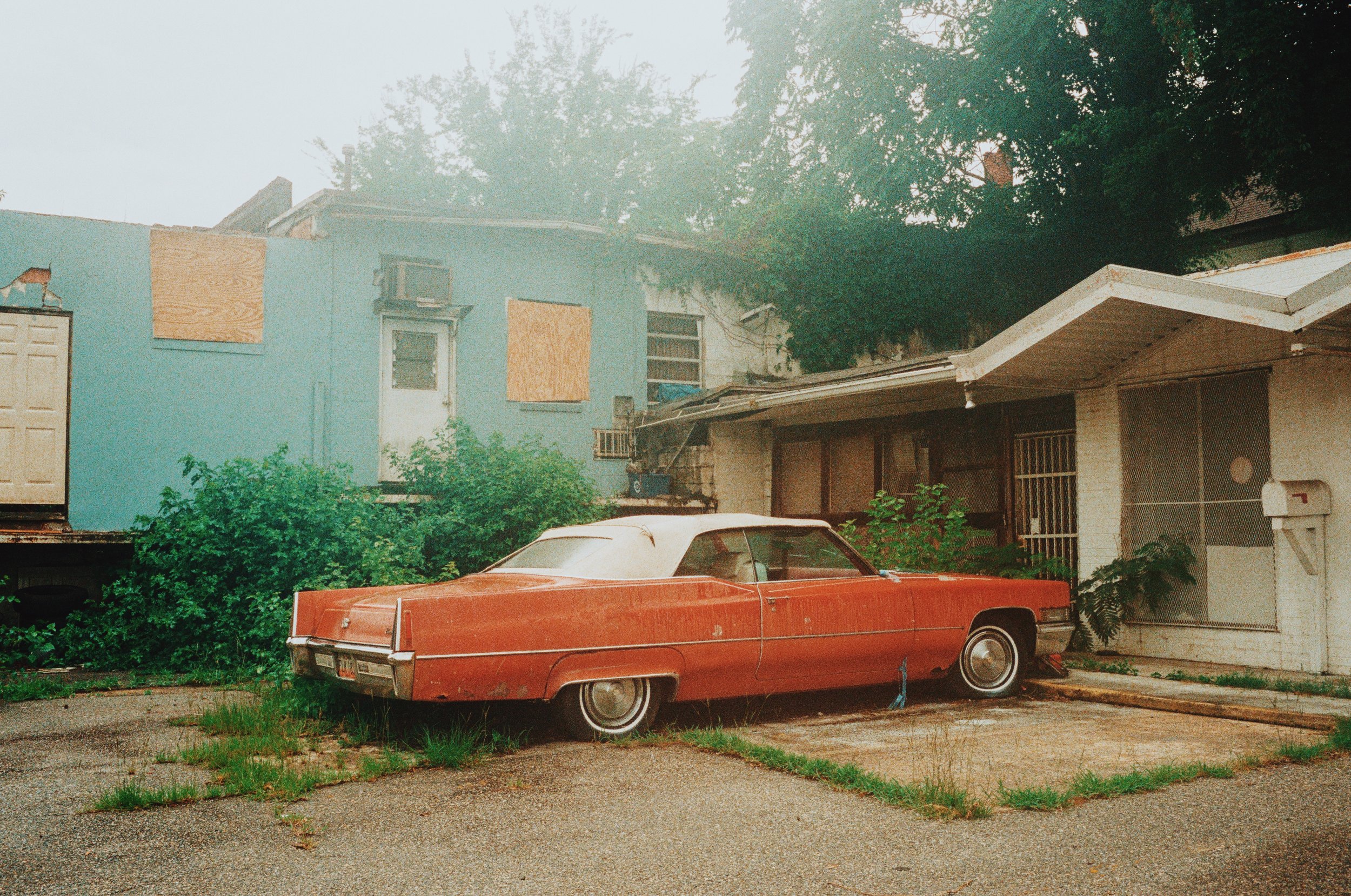
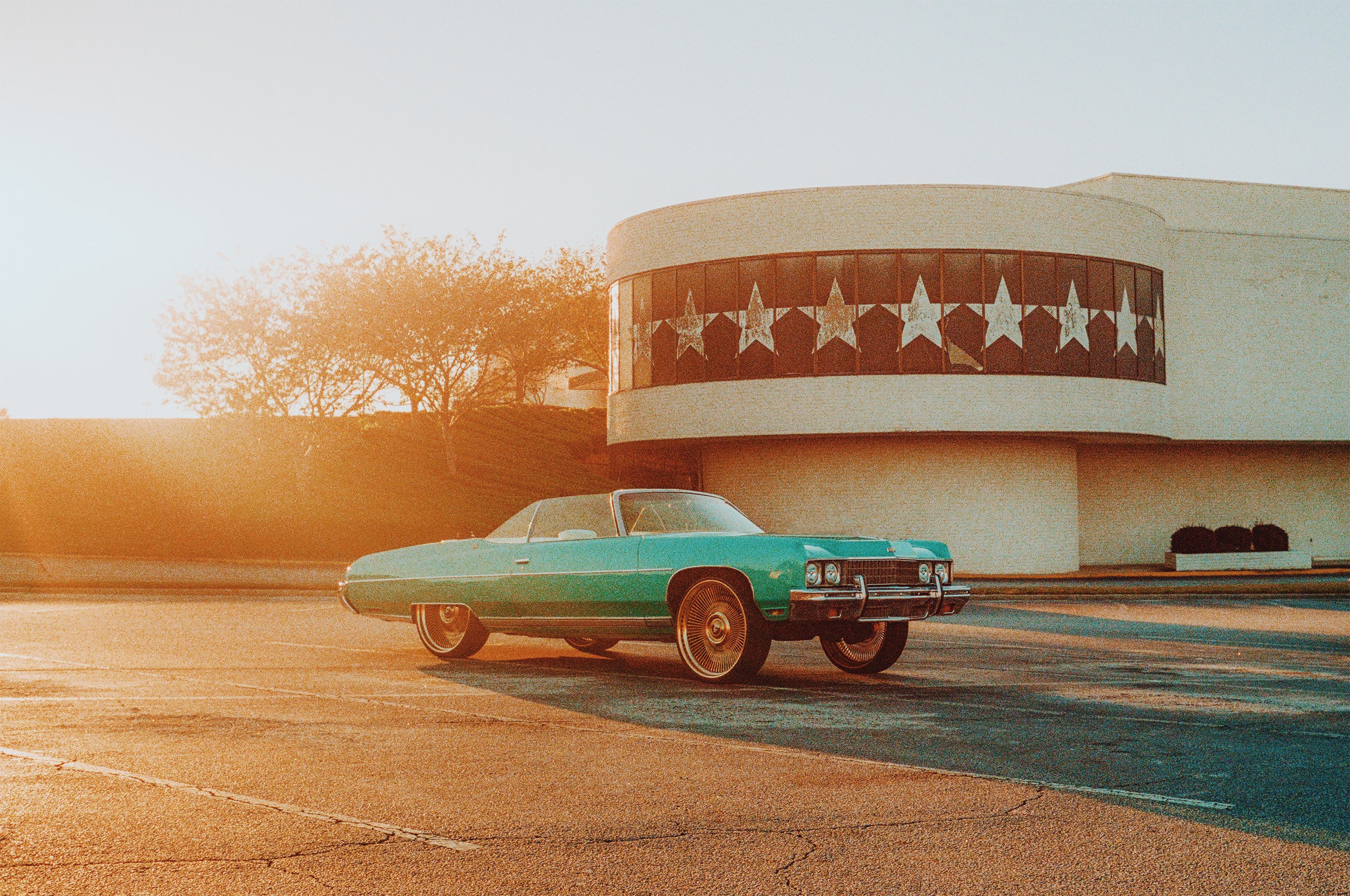
Photos edited with “Sunlit Memories” Preset Pack
Photos edited with “Moonlit Reflections” Preset Pack
Everything you need to get started with 35mm film:
Cameras - eBay
Film - Amazon
Cinestill CS41 Developing Kit - Amazon
Epson V600 Flatbed Scanner - Amazon
